A 5 kVA UPS (Uninterruptible Power Supply) is designed to support moderate office loads, providing instant backup during power cuts and stabilizing voltage for small to medium offices, uninterrupted power is essential to maintain productivity, protect data, and ensure smooth daily operations. A 5 kVA UPS is one of the most practical choices for office environments, offering the right balance of capacity, efficiency, and cost.
But how do you choose the right 5 kVA UPS for your specific needs? This guide will help you make an informed decision.
What is a 5 kVA UPS?
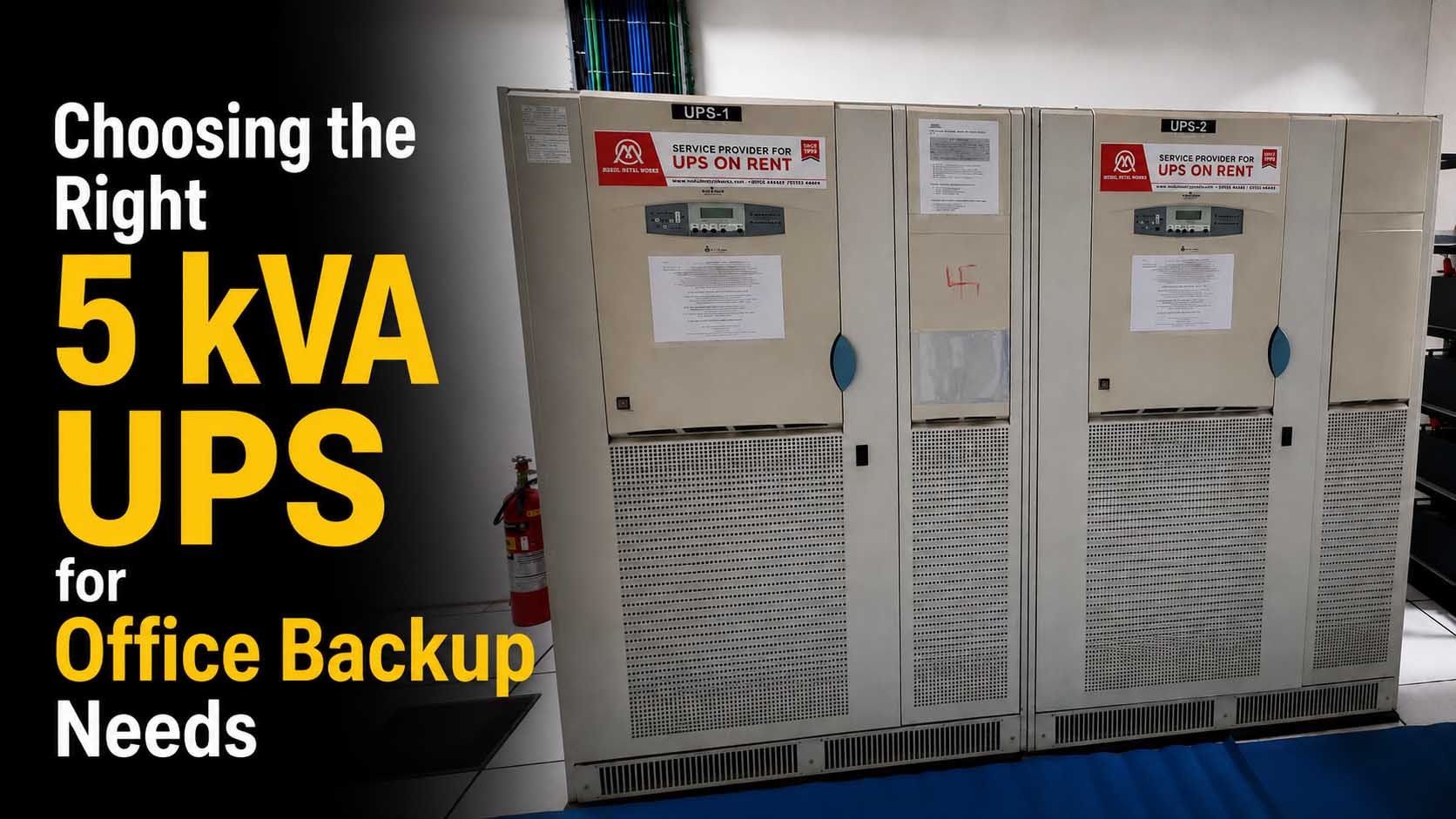
A 5 kVA UPS (Uninterruptible Power Supply) is designed to support moderate office loads, providing instant backup during power cuts and stabilizing voltage.
Typically powers:
- 6–10 desktop computers
- Wi-Fi routers and networking devices
- Printers and scanners
- LED lighting and fans
- Small servers or workstations
It ensures continuous workflow without interruptions.
Why Offices Need a 5 kVA UPS
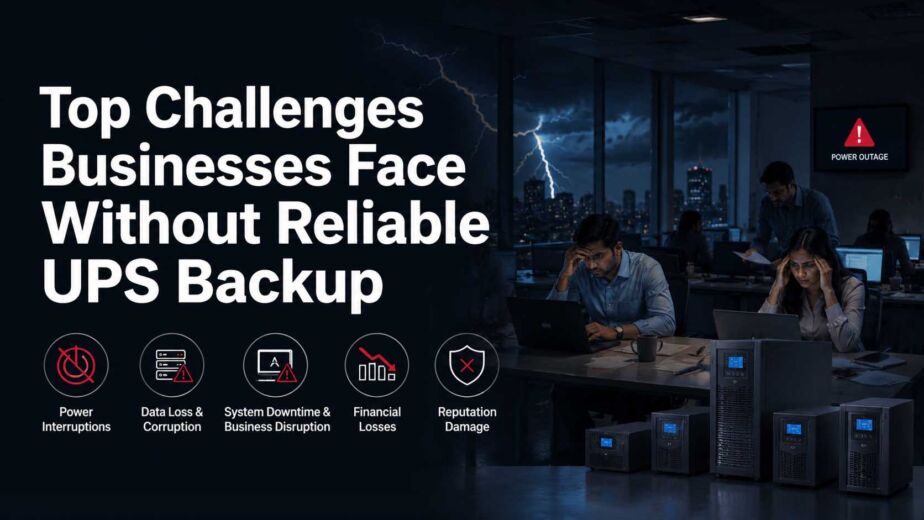
Power interruptions can lead to:
- Loss of unsaved work
- System shutdowns and downtime
- Reduced employee productivity
- Hardware damage due to voltage fluctuations
A reliable UPS system prevents these issues and keeps your office running efficiently.
Key Factors to Consider When Choosing
1. Load Requirement
Start by calculating your total power consumption:
- Add wattage of all connected devices
- Convert to kVA (consider power factor)
👉 Always keep a 20–25% buffer to avoid overloading.
2. Backup Duration
Decide how long you need power during outages:
- 15–30 minutes → Enough to save work and shut down systems
- 1–2 hours → For continuous work during outages
Backup time depends on battery capacity.
3. Battery Type & Capacity
Common battery options:
- Lead-acid batteries (cost-effective)
- Maintenance-free batteries (low upkeep)
Choose based on:
- Required backup time
- Maintenance preference
4. UPS Type
There are three main types:
- Offline UPS → Basic backup (not ideal for offices)
- Line-Interactive UPS → Good for small offices
- Online UPS → Best for offices (continuous clean power, zero transfer time)
👉 For offices, online UPS is highly recommended.
5. Space & Installation
Ensure:
- Adequate space for UPS and batteries
- Proper ventilation
- Easy access for maintenance
Compact designs are ideal for office environments.
6. Scalability
If your office is growing:
- Choose a system that allows future expansion
- Or consider rental for flexibility
Key Features to Look For
- Pure sine wave output
- Voltage regulation
- Overload protection
- Short-circuit protection
- LCD display or monitoring system
- Silent or low-noise operation
Cost: Buying vs Renting
Buying:
- Approx Cost: ₹60,000 – ₹1.5 lakh
- Additional battery cost
- Maintenance required
Renting:
- Approx Cost: ₹4,000 – ₹10,000/month
- Maintenance included
- Easy upgrade options
👉 Renting is ideal for flexibility and low upfront cost. “Mukul Metal Works is experienced UPS rental service provider across Delhi, Gurgaon, Noida, Faridabad, Ghaziabad, and other NCR locations.”
Common Mistakes to Avoid
- Choosing exact load capacity without buffer
- Ignoring backup duration
- Selecting low-quality batteries
- Poor installation planning
- Not considering future expansion
Why Choose Mukul Metal Works?
- UPS solutions from 2 kVA to 7000 kVA
- Affordable rental options for offices
- Fast installation and support
- Reliable and tested systems
- Expert guidance for load planning
5 kVA UPS Rental Services in Delhi NCR
Mukul Metal Works offers reliable 5 kVA UPS rental services in Delhi NCR, including Delhi, Gurgaon, Noida, Faridabad, and Ghaziabad. Whether you need temporary power backup for an office relocation, a short-term project, or emergency backup, our online UPS rental solutions provide uninterrupted power with professional installation and technical support.
Final Thoughts
A 5 kVA UPS is an excellent choice for offices looking for reliable and efficient power backup. The right system ensures uninterrupted work, protects equipment, and improves productivity.
Whether you decide to rent or buy, the key is choosing a solution that matches your load, budget, and future needs.