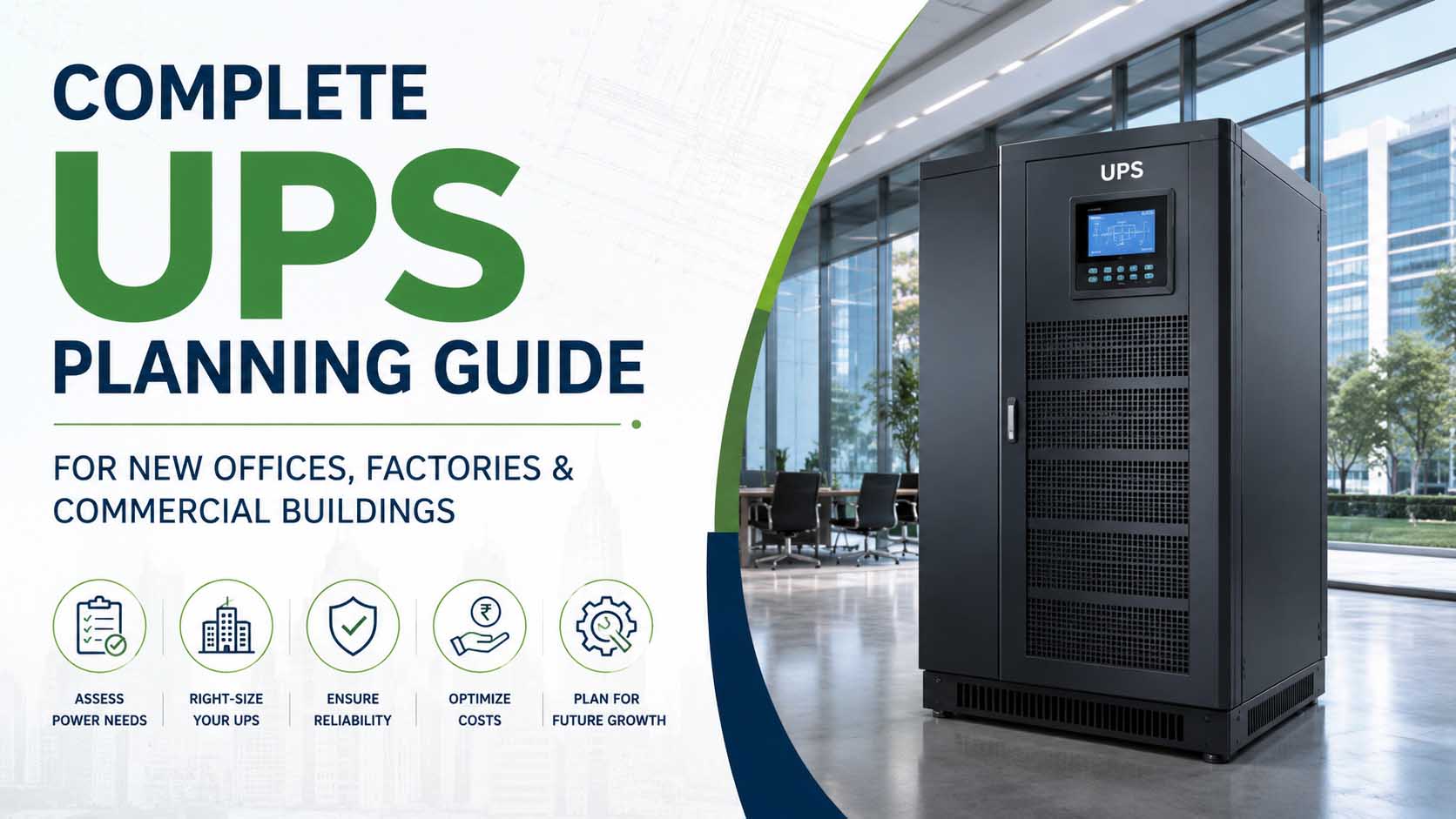
Reliable power infrastructure is a critical part of every modern office, manufacturing facility, and commercial building. While power outages, voltage fluctuations, and electrical disturbances can disrupt operations, a properly planned UPS (Uninterruptible Power Supply) system ensures business continuity and protects valuable equipment.
Unfortunately, many organizations install a UPS only after experiencing costly downtime, equipment failures, or data loss. Proper UPS planning during the design and setup stage can save significant time, money, and operational headaches.
This guide explains everything businesses need to consider when planning a UPS system for a new office, factory, warehouse, retail outlet, hospital, data center, or commercial building.
Why UPS Planning Is Important
A UPS system does much more than provide backup during power failures. It also protects sensitive equipment from:
- Voltage fluctuations
- Power surges
- Frequency variations
- Electrical noise
- Sudden outages
- Brownouts and blackouts
Without a properly sized UPS, businesses may face:
- Data loss
- Production downtime
- Server crashes
- Equipment damage
- Revenue loss
- Reduced employee productivity
A well-planned UPS installation helps maintain uninterrupted operations while protecting critical infrastructure.
Step 1: Identify Critical Loads
The first step in UPS planning is identifying which equipment requires backup power.
Typical Office Loads
- Desktop computers
- Laptops
- Servers
- Networking equipment
- CCTV systems
- Access control systems
- Telecom equipment
- Workstations
Typical Factory Loads
- PLC systems
- CNC machines
- Control panels
- Industrial automation systems
- Monitoring equipment
- Quality control systems
Typical Commercial Building Loads
- Security systems
- Fire alarm systems
- Elevators (selected controls)
- Building management systems
- IT infrastructure
- Emergency lighting systems
Not every device needs UPS protection. Prioritize equipment that cannot tolerate interruptions.
Step 2: Calculate Total Power Requirement
Once critical equipment is identified, calculate the total connected load.
For example:
| Equipment | Quantity | Power Rating |
| Desktop PCs | 20 | 200W each |
| Servers | 2 | 1000W each |
| Network Equipment | 1 | 500W |
| CCTV System | 1 | 300W |
Total Load:
- PCs = 4,000W
- Servers = 2,000W
- Network = 500W
- CCTV = 300W
Total = 6,800W
A UPS should not operate continuously at 100% capacity. Most consultants recommend maintaining at least 20% to 30% spare capacity.
Required UPS Capacity:
6.8 kW + 30% reserve ≈ 8.8 kW
A 10 KVA Online UPS would typically be considered.
Step 3: Determine Required Backup Time
Different businesses require different backup durations.
Common Backup Requirements
5–15 Minutes
- Allows generator startup
- Common in commercial buildings
30–60 Minutes
- Typical office requirements
- Supports orderly shutdown procedures
1–4 Hours
- Critical operations
- Healthcare facilities
- Data centers
Extended Backup
- Remote sites
- Telecom infrastructure
- Mission-critical operations
Battery bank sizing depends heavily on the required backup duration.
Step 4: Choose the Right Type of UPS
Offline UPS
Best suited for:
- Home users
- Small offices
- Basic computing requirements
Advantages:
- Cost-effective
- Simple installation
Limitations:
- Transfer time during outages
- Limited protection against voltage fluctuations
Online UPS
Best suited for:
- Offices
- Factories
- Hospitals
- Data centers
- Commercial buildings
Advantages:
- Zero transfer time
- Continuous clean power
- Better protection for sensitive equipment
- Superior reliability
For most business applications, Online UPS systems are recommended.
Step 5: Plan for Future Expansion
One of the most common mistakes is installing a UPS that only meets current requirements.
Businesses often expand by adding:
- Additional staff
- More workstations
- New servers
- Additional machinery
- Automation systems
A UPS should ideally support future growth without requiring immediate replacement.
Experts generally recommend planning for:
- 20–30% future load expansion
- Modular UPS systems where possible
- Additional battery bank capacity
Step 6: Consider Battery Technology
Battery performance directly impacts UPS reliability.
SMF Batteries (Sealed Maintenance Free)
Benefits:
- Lower upfront cost
- Widely used
- Reliable for most applications
Ideal for:
- Offices
- Commercial buildings
- General industrial applications
Lithium-Ion Batteries
Benefits:
- Longer lifespan
- Faster charging
- Smaller footprint
- Lower maintenance
Ideal for:
- Data centers
- Critical infrastructure
- Advanced commercial facilities
Step 7: Evaluate Installation Environment
UPS systems require appropriate installation conditions.
Important factors include:
Temperature
Excessive heat reduces battery life significantly.
Recommended range:
20°C to 25°C
Ventilation
Proper airflow prevents overheating.
Dust Protection
Industrial environments may require additional protection.
Accessibility
Ensure easy access for maintenance and battery replacement.
Step 8: Integrate UPS with Generator Systems
Many businesses use UPS systems alongside diesel generators.
UPS systems provide immediate backup while generators start and stabilize.
Benefits include:
- Zero downtime
- Continuous operations
- Improved equipment protection
- Reduced risk of shutdowns
Proper synchronization between UPS and generator systems is essential.
Step 9: Implement Monitoring and Maintenance
UPS systems require periodic inspection.
Key maintenance activities include:
- Battery testing
- Load testing
- Connection checks
- Thermal inspections
- Firmware updates
Modern UPS systems offer:
- Remote monitoring
- Real-time alerts
- Predictive maintenance
- Performance analytics
Regular maintenance helps maximize reliability and battery life.
Step 10: Consider UPS Rental Before Purchase
For many businesses, UPS rental offers significant advantages.
UPS rental is ideal for:
- New office setups
- Factory commissioning
- Temporary facilities
- Events and exhibitions
- Seasonal projects
- Data center migrations
Benefits include:
- No capital expenditure
- Immediate availability
- Flexible capacity options
- Professional installation
- Maintenance support included
Organizations can assess actual power requirements before making a long-term investment.
Common UPS Planning Mistakes to Avoid
Avoid these frequently encountered mistakes:
- Underestimating load requirements
- Ignoring future expansion
- Choosing insufficient backup duration
- Selecting the wrong UPS type
- Poor installation planning
- Lack of battery maintenance
- Focusing only on purchase price
A properly designed UPS system should be viewed as a long-term investment in operational reliability.
Why Choose Mukul Metal Works for UPS Solutions?
Mukul Metal Works has been providing reliable UPS rental and power backup solutions to businesses across India for more than two decades. From corporate offices and manufacturing facilities to exhibitions, hospitals, data centers, and commercial buildings, we help organizations plan, deploy, and maintain dependable power backup infrastructure.
Our services include:
- Online UPS on Rent
- Industrial UPS Solutions
- Temporary Power Backup Systems
- Load Assessment & UPS Planning
- UPS Installation Support
- Event & Exhibition Power Solutions
- Battery Backup Solutions
- Technical Consultation & Site Evaluation
Whether you are setting up a new office, expanding a factory, launching a commercial project, or planning a critical infrastructure facility, Mukul Metal Works can help you identify the right UPS solution for your requirements and budget.
Conclusion
UPS planning should be an integral part of every new office, factory, and commercial building project. A properly designed UPS system protects equipment, improves operational reliability, reduces downtime, and supports future growth.
By assessing load requirements, selecting the right UPS technology, planning battery backup, and considering future expansion, businesses can build a power infrastructure that supports uninterrupted operations for years to come.
For expert UPS planning, rental, and deployment support, Mukul Metal Works offers reliable solutions tailored to your business needs.